 Shabad Studio
Learn to sing the shabad the way it was written to be sung.
Shabad Studio marks every vishraam — every pause, long and short — right where it belongs in the line, so your practice follows the verse instead of guessing at it.
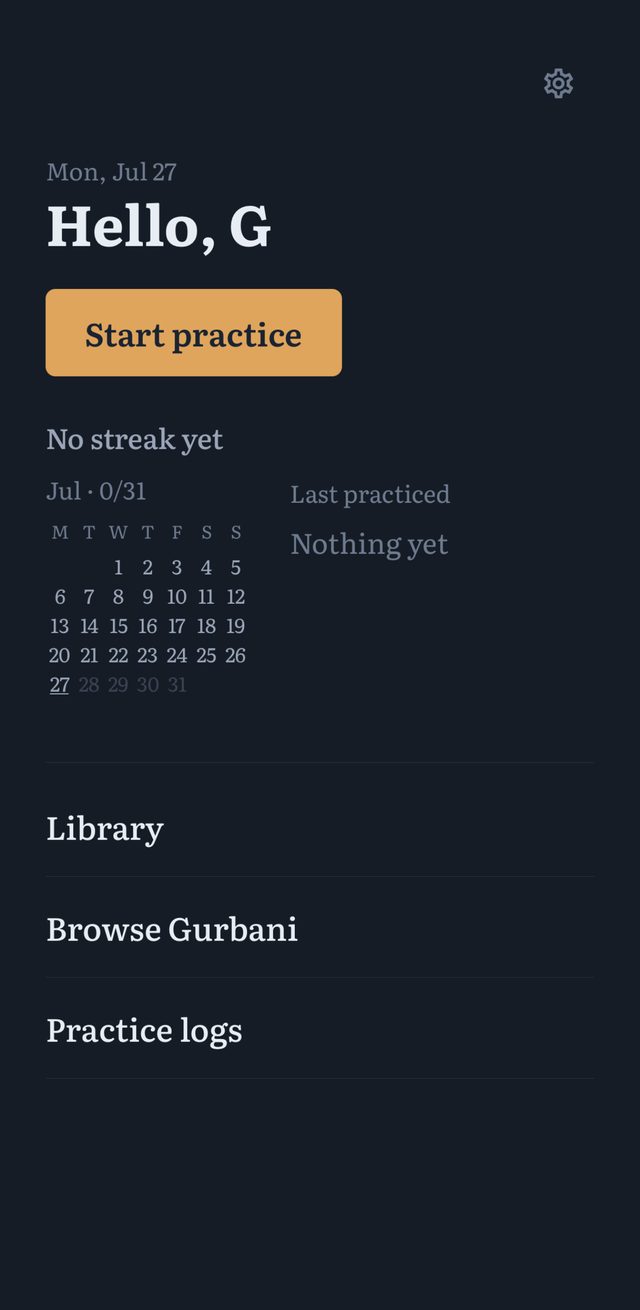
Built for the student on the harmonium bench, not the classroom whiteboard.
Most tools for learning kirtan are built around teaching. This one is built around practicing — alone, at your own bench, at your own pace.
Shabad Studio started as a way to keep track of what I was actually learning between lessons — which lines I still stumbled on, where the vishraam sat, what raag a shabad belonged to. It's a journal first: it remembers your streaks, your favourites, and the verses you keep coming back to.
It's built solo, by a student, for students — the goal isn't to replace a teacher, it's to make the hours between lessons count.
Every line, marked the way it's meant to be read.
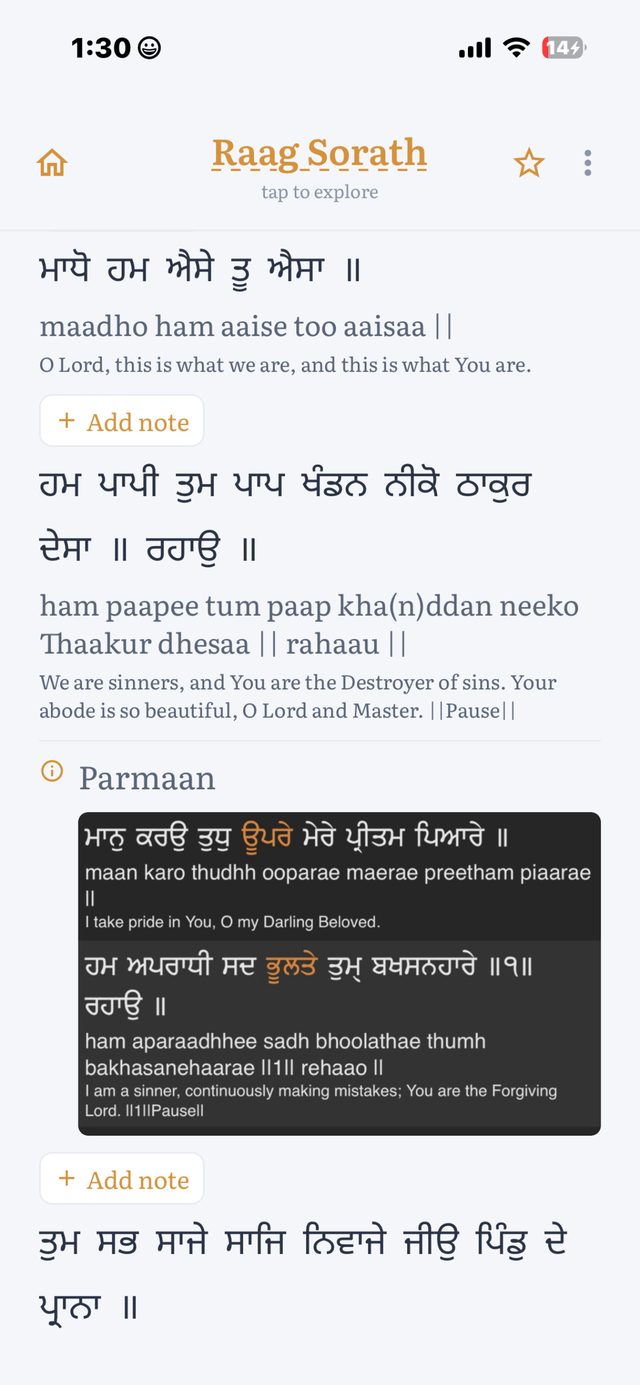
Vishraam-aware verses
Long and short pauses marked directly in the line, in Gurmukhi, so you learn the phrasing along with the words.
Transliteration + meaning
Set beside every verse for the moments you need a second read, without leaving the practice screen.
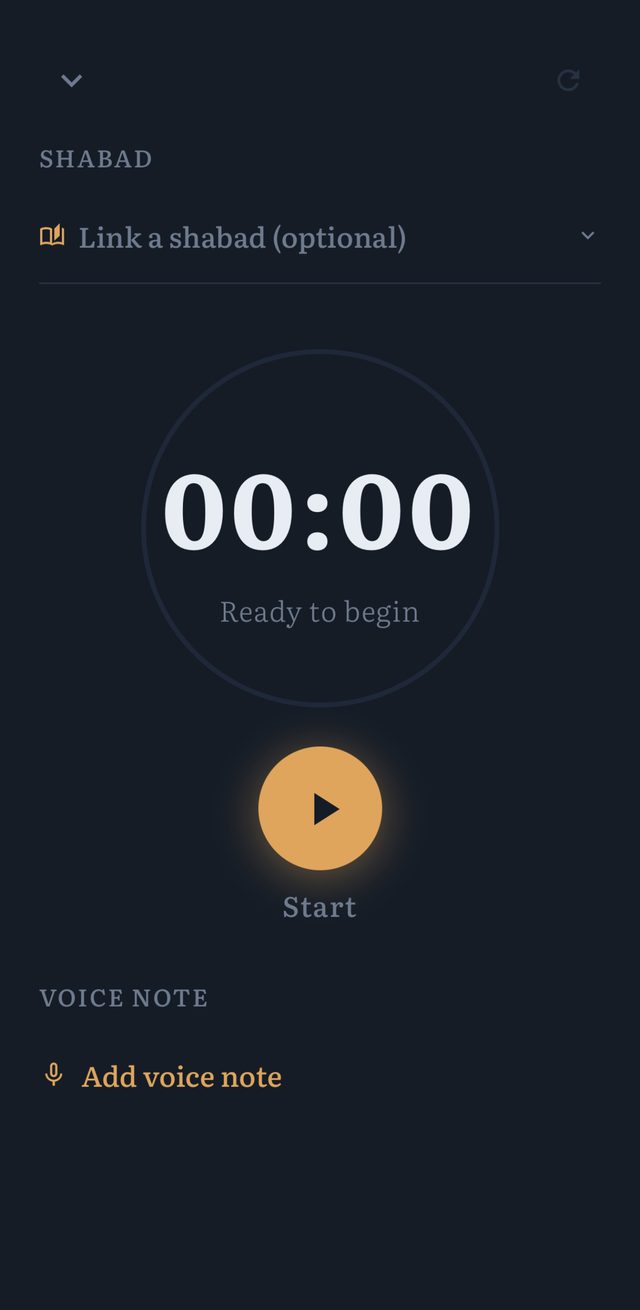
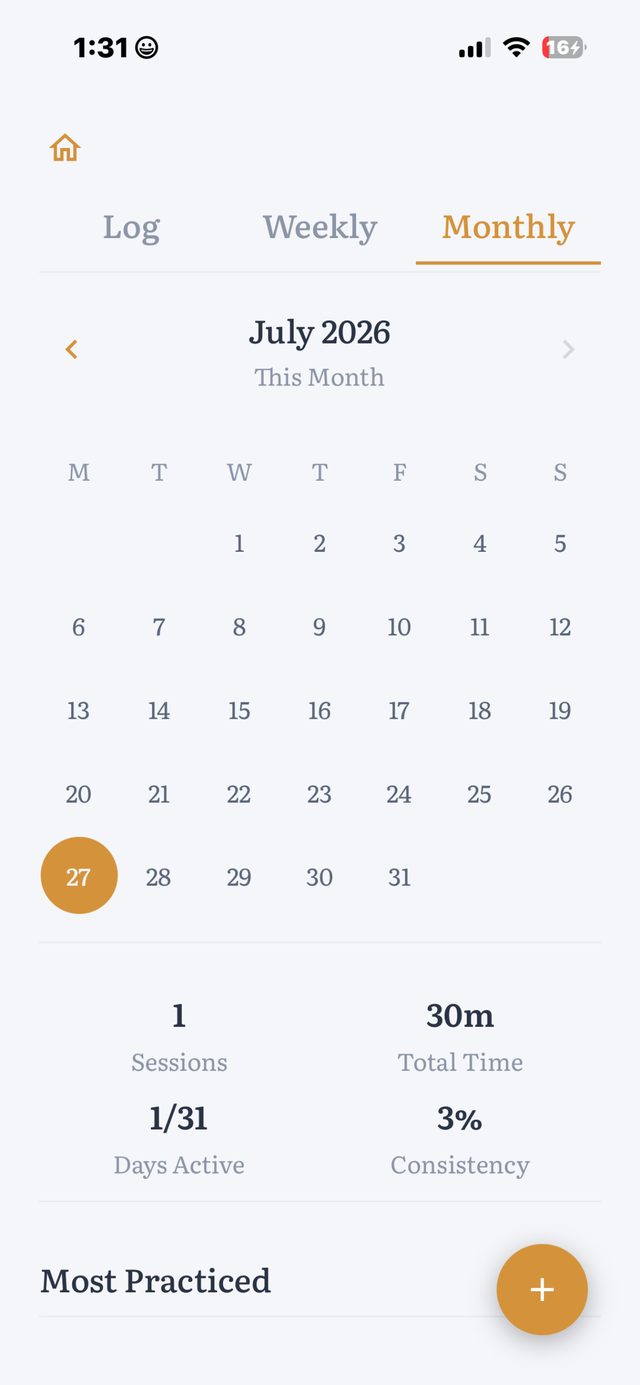
A practice journal that remembers
Streaks, sessions, and progress by raag — quiet accountability, not gamified pressure.
Favourites, built around repetition
Star the shabads you're actively working through and return to them without hunting.
Small details, held to one standard.
Your bench is waiting.
Free to download, with the full syllabus available on Pro. Built for iPhone, refined one shabad at a time.